

How to Set Up Google Nest Hub Step-by-Step (Beginner’s Guide).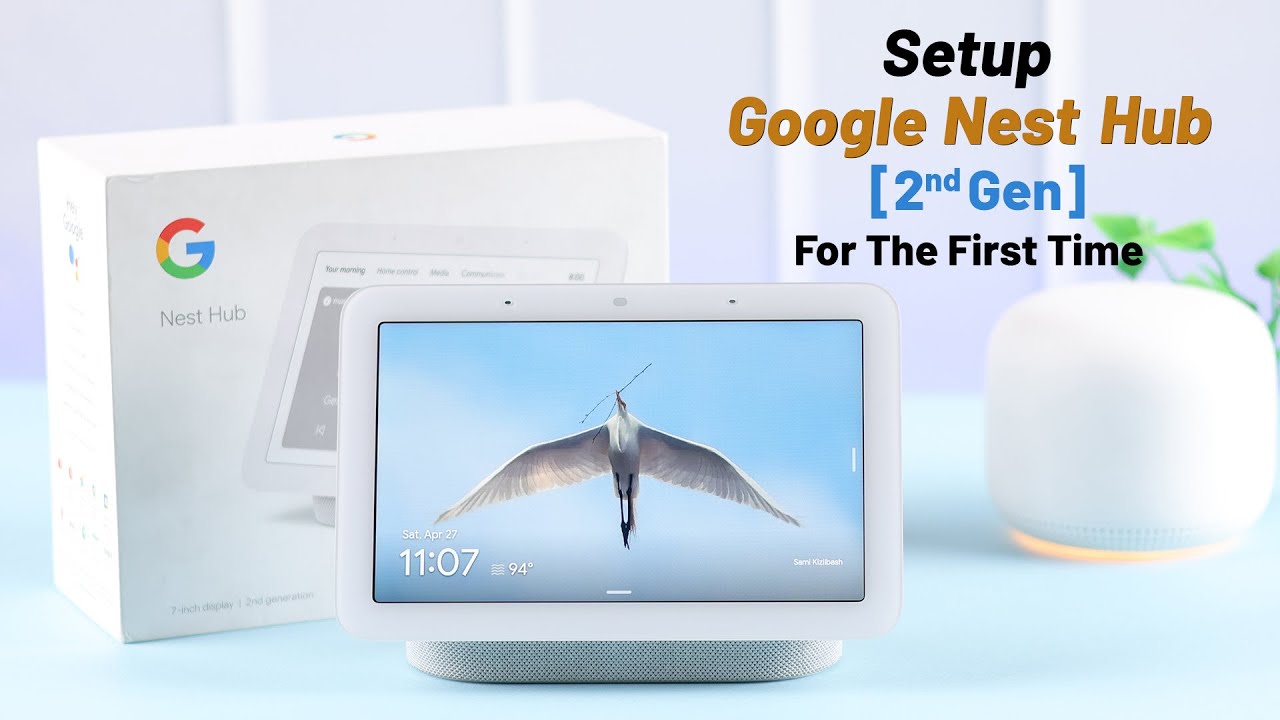
Setting up a Google Nest Hub is simple, even for beginners. Follow these steps:
Step 1: Plug in Your Device
Connect the Nest Hub to a power outlet and wait for it to turn on.
Step 2: Download the Google Home App
Install the Google Home app on your Android or iOS device.
Step 3: Add Your Device
Open the app → Tap the + button → Select Set up device → Choose New device.
Step 4: Connect to Wi-Fi
Select your Wi-Fi network and enter your password.
Step 5: Link Google Account & Services
Sign in with your Google account and connect apps like YouTube, Spotify, or Netflix.
Step 6: Customize Settings
Set up voice match, choose a photo frame, and create routines.
✅ Meta Description:
“Learn how to set up your Google Nest Hub step by step. A complete beginner’s guide for easy installation and setup.”


0 Comments